
Editorial Design
Presentation, Report and eBook Design That Gets Read
A content-first workflow for making dense information useful, credible and visually coherent across screen and print.
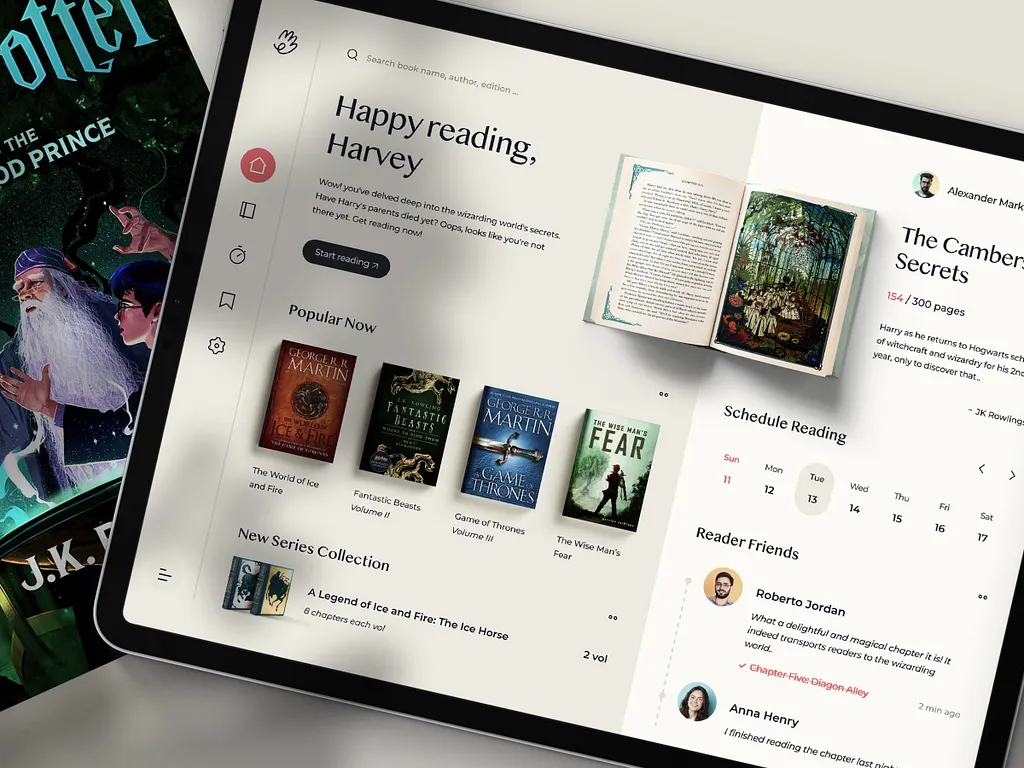
The short answer
Design a presentation, report or eBook by clarifying the reader, purpose and reading context before styling pages. Edit the material into a narrative, establish a repeatable hierarchy, visualize data from verified sources and test real content at its densest. Prepare separate interactive and print requirements where needed, then deliver accessible exports, editable masters and a documented production check.
Key takeaways
- Design from reader, purpose and context rather than page decoration.
- Edit the narrative and build a flexible editorial hierarchy.
- Visualize verified data without distorting its meaning.
- Validate accessible digital files and printer-ready production separately.
Define the reader and reading context
A live presentation supports a speaker; a board deck may be read independently; a report is scanned and revisited; an eBook may be discovered on a phone. Define the primary context, desired decision and time available. The same source material needs different structure for each use.
List required sections, approvals, source status, languages, output formats and accessibility or print requirements. Establish a content owner who can resolve conflicting edits.
- Primary reader and decision
- Presented, scanned, read deeply or printed
- Verified content and data owners
- Editable, accessible and production outputs
Edit information into a clear narrative
Group content by the questions a reader needs answered, then arrange those answers into a useful progression. Remove duplication, separate evidence from interpretation and use plain headings that communicate meaning. An executive summary should reflect the document, not introduce unsupported claims.
For presentations, make each slide support one point and move detail to notes or an appendix where appropriate. For reports, provide navigation and summaries that help readers enter at different depths.
Establish hierarchy and page rhythm
Define grids, type roles, spacing, color and recurring page patterns before polishing individual spreads. Test the system against long headings, dense tables, pull quotes, citations and minimal pages. A flexible editorial system creates coherence without making every page identical.
Use imagery and illustration to explain, orient or create meaningful pace. Avoid decorative assets that compete with the message or imply facts the content does not support.
- Readable type sizes and line lengths
- Consistent heading and caption levels
- Flexible patterns for dense and light content
- Clear footnotes, sources and navigation
Design trustworthy data and accessible documents
Choose charts from the comparison the reader needs to make, preserve scales and label data clearly. Cite the source and date, and keep a reviewable data file. Do not use a visually dramatic chart if it distorts magnitude or hides uncertainty.
Use document structure, reading order, tagged headings, descriptive links, alternative text and sufficient contrast for digital delivery. Complex charts may need accompanying text or data tables. Validate the exported file rather than assuming the design application preserved accessibility.
Prepare digital delivery and print production
For digital output, test file size, links, bookmarks, search, page order and viewing on expected devices. For print, confirm finished size, stock, binding, inks, bleeds, image resolution and printer specifications before final artwork. Request a proof when color or finishing is important.
Package editable files with fonts and licensed assets according to the agreement, plus a clean final export. Record version and approval so outdated copies are not mistaken for the released document.
From our verified catalogue
Related Dragside services
Frequently asked questions
- What files should a client provide for editorial design?
- Provide approved or clearly staged copy, editable data, brand assets, image sources and licenses, required format specifications, examples of existing materials and an approval map. Mark confidential and unverified material so it cannot be published accidentally.
- Can a designer improve the story as well as the layout?
- Yes when content or editorial design is included. Agree on authority to restructure and edit, identify subject experts who verify meaning, and distinguish copy approval from visual approval. Design should never silently change a factual claim.
- What is required for print-ready output?
- Requirements depend on the printer and process, commonly including correct page size, bleed, color settings, resolution, fonts, overprint and finishing marks. Obtain the supplier's specification and review a proof for consequential work.
Related guides
Brand Identity, Packaging and Merch: One System
Build one recognizable brand system that works from a product screen to a physical package.
Read guide
Social Media Ad Creative That Supports Campaigns
Move from isolated posts to a campaign system that can produce, test and learn without weakening the brand.
Read guide3D Product Modeling: From Concept to Final Render
A production guide for commissioning product renders, animated launches and reusable 3D assets.
Read guideFrom idea to delivery